
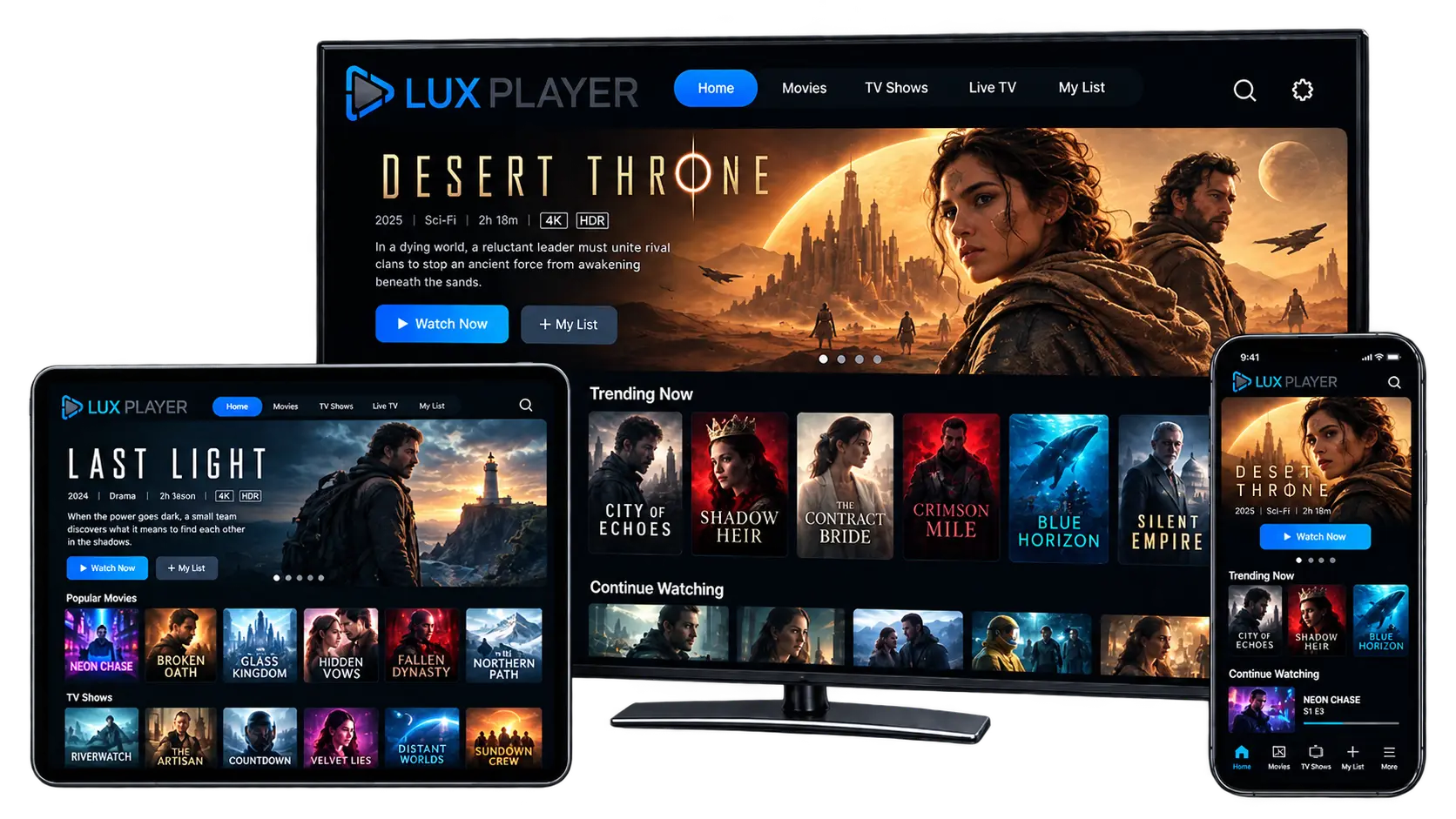
- YOUR MEDIA. YOUR WAY.
One Player. Every Device
Improve your streaming experience with a clean, modern media player. Add your own playlist and start watching in minutes instant load times, a cable-like interface, and true multi-platform support, all in one app.
- 6 Platforms — Samsung, LG, Apple, Fire TV, Android
- 5 Playlists / Device — switch between sources instantly
- Free Demo Mode — try it before you activate
- Platforms
Which Platform Do You Prefer?
The Lux Player app is available for the following platforms:
Apple Products
Lux Player runs on iPhone, iPad, and Apple TV, so your playlist follows you across every Apple device.
Fire TV
Bring the same clean, cable-like interface to your Amazon Fire TV or Fire TV Stick.
Android Devices
Install Lux Player on any Android phone, tablet, or Android TV box and connect it to your provider's stream in minutes.
- FEATURES
Simple to use. Powerful by design.
Everything you need for a smooth and modern media player experience — built to feel effortless from the first launch.
XC, Stalker & M3U Support
The app natively supports Xtream Codes (XC) and Stalker Portal APIs, alongside standard M3U playlists.
Recordings
Record your favorite shows to watch later, on your own schedule.
V.O.D.
Beautiful and innovative video-on-demand section to browse and watch your favorite movies, all organized in one clean library.
Open API
Lux Player's app is easily adaptable to match your panel's API built to suit your platform.
Search
Find anything in your playlist instantly, across every category.
Sort & Filter
Organize your library by category, genre, or your own custom order.
Control Remote Support
Use any Android Bluetooth remote control to navigate the app, including full support for colored buttons no touchscreen required.
Catch-Up
Missed a live broadcast? Catch-up playback lets you go back and watch shows that already aired, when your provider supports it.
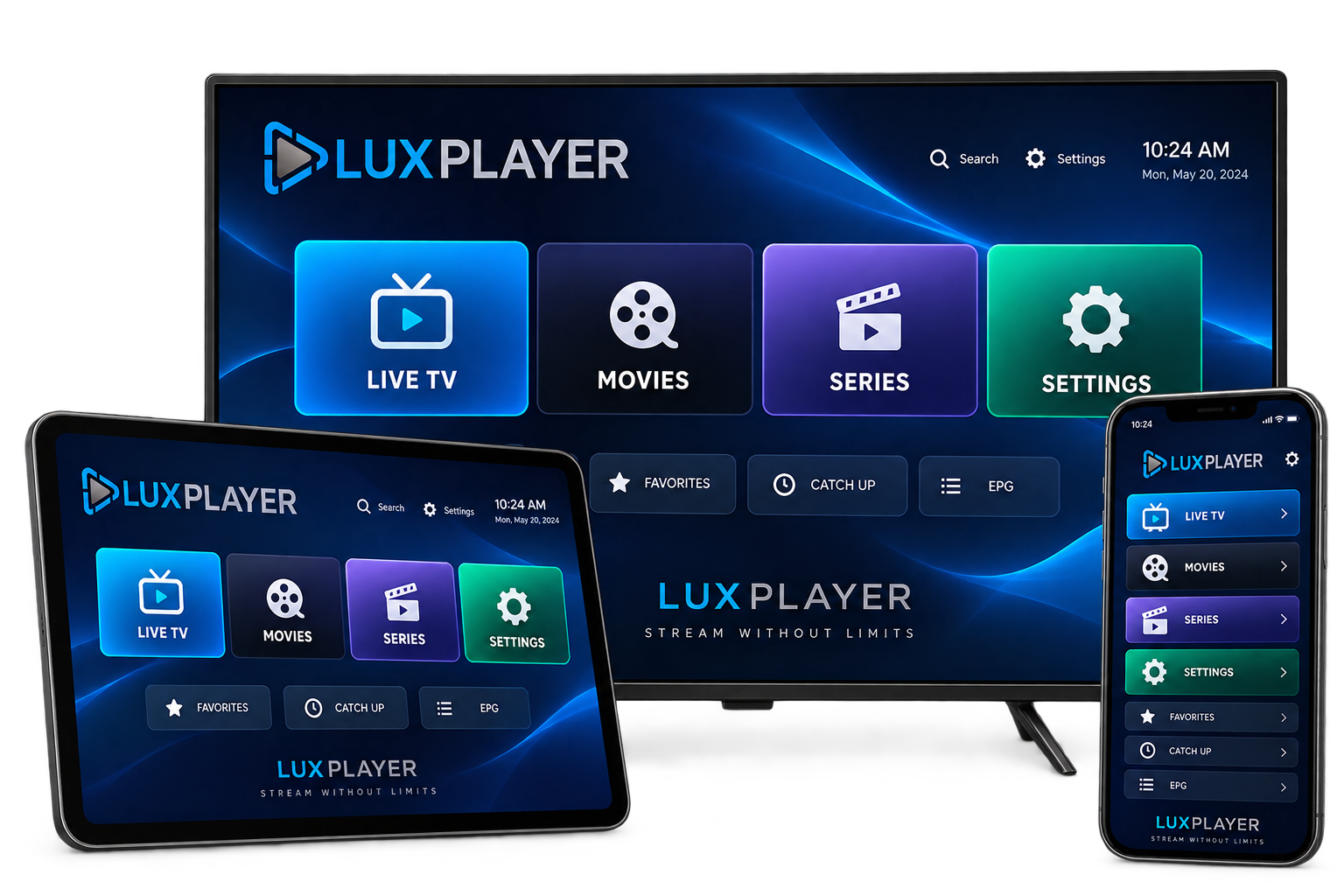
Frequently Asked Questions
Have a question, problem, or missing information? These FAQs should help.
To install Lux Player, select your device type from the platforms listed above and follow the installation instructions provided for that platform.
If you've purchased a subscription through a stream provider, contact them directly for login details and support. Lux Player is only an app — not a streaming service — so your provider handles service, billing, and content questions.
If you're a service provider looking for a new app or player for your platform, reach out to our team we can schedule a demo.